
Let me get the obvious disclaimer out of the way: yes, I use AI tools for university. No, I don’t use them to cheat. There’s a massive difference between asking ChatGPT to write your essay and using it to understand a concept you’re stuck on at 2 AM when office hours ended six hours ago.
I’m a final-year computer science student, and over the past year I’ve tried pretty much every AI tool that promises to help students. Some of them genuinely changed how I study. Others were a complete waste of time. And a few were good for specific things but terrible for everything else.
Here’s my honest, unfiltered review of 10 AI tools I’ve actually used for real coursework — not hypothetical scenarios, but actual assignments, exam prep, and projects.
1. Claude — My Go-To for Everything
What I use it for: Understanding complex topics, writing code, reviewing my work, long conversations about assignments.
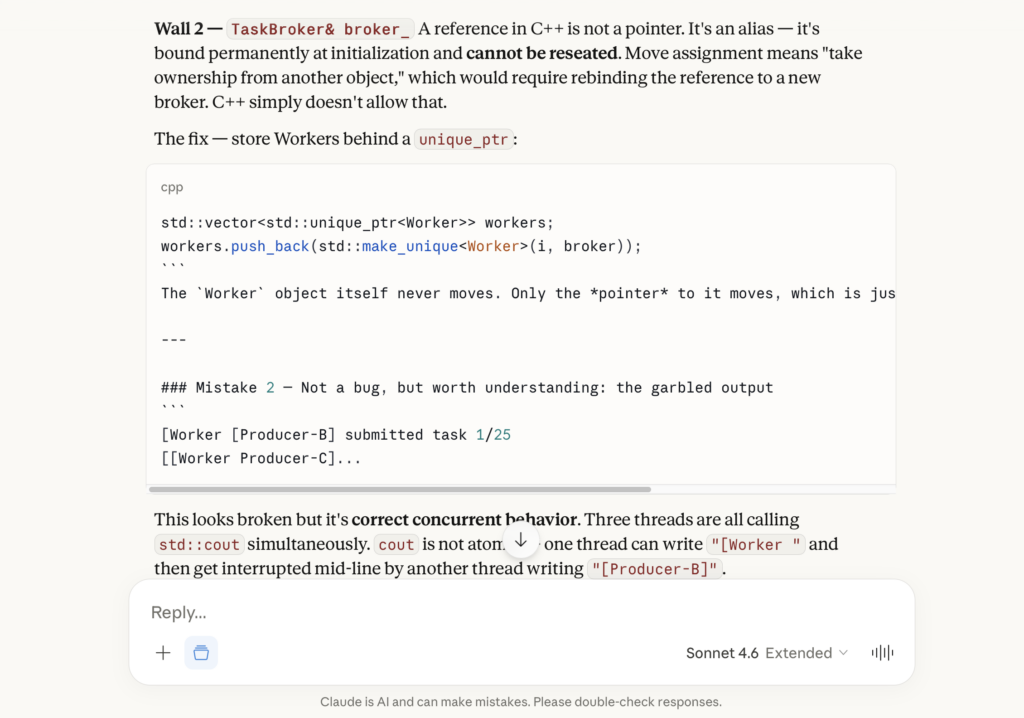
Honest take: Claude is the tool I open first, every time. When I’m reading a paper on formal language theory and hit a wall, I paste the paragraph and ask Claude to explain it differently. When I need to write a Python script for an assignment, I describe what I need and iterate on the output. When I’m studying for exams, I ask it to quiz me.
What makes Claude stand out is how it handles long, technical conversations. I can paste an entire assignment specification and discuss it step by step without the context falling apart. It’s also noticeably better than ChatGPT at admitting when it’s unsure about something, which matters a lot when you’re studying — wrong information is worse than no information.
The catch: It can still hallucinate, especially with very specific course material or niche algorithms. I always verify important claims. Also, it doesn’t have access to the internet (in the API version), so it can’t look up your specific professor’s notes or course website.
Grade: 9/10 for CS students
2. ChatGPT — The Swiss Army Knife
What I use it for: Quick questions, brainstorming, first drafts, and anything that needs web browsing.
Honest take: ChatGPT is the tool everyone knows and most students default to. It’s good at a wide range of tasks — decent at coding, decent at explaining concepts, decent at writing. The browsing feature is genuinely useful when you need current information or want to find a specific resource.
But here’s where I’ll be controversial: for deep CS work, I prefer Claude. ChatGPT tends to give confident-sounding answers even when it’s wrong, and I’ve been burned by that on assignments. It once gave me a completely incorrect proof for a DFA minimization problem — it looked right, read well, but the logic was fundamentally flawed. I only caught it because I double-checked with Claude.
That said, ChatGPT’s free tier is incredibly generous, and the mobile app is smooth. If you can only use one tool and don’t want to pay for anything, ChatGPT is the obvious choice.
Grade: 7.5/10 for CS students
3. Cursor — A Game Changer for Coding Assignments
What I use it for: All programming assignments. TypeScript, Python, Java — everything.
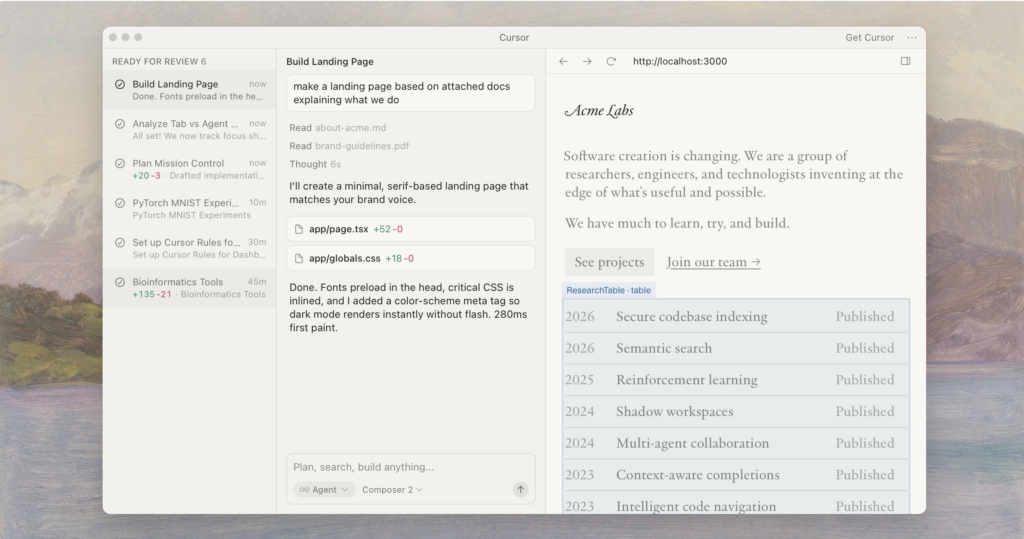
Honest take: Cursor might be the most underrated tool on this list. It’s basically VS Code with AI built directly into the editor. You highlight code, press Cmd+K, describe what you want to change, and it does it. Need to add error handling to a function? Highlight it, type “add try-catch with meaningful error messages,” done.
For my Programming Languages course (which uses TypeScript and Scheme), Cursor has been incredible. I can describe a function in English and get a working implementation in seconds. Then I study the output to understand how it works — which is actually a great learning method.
The “chat” feature that understands your entire codebase is what sets it apart. I can ask “where is the bug in my recursive function?” and it actually looks at my code, not a generic example.
The catch: It can make you lazy if you’re not careful. If you just accept every suggestion without understanding it, you’ll bomb the exam. I use it as a learning accelerator, not a replacement for understanding.
Grade: 9.5/10 for CS students who code
4. Perplexity — The Research Shortcut
What I use it for: Finding academic papers, understanding topics with sources, quick fact-checking.
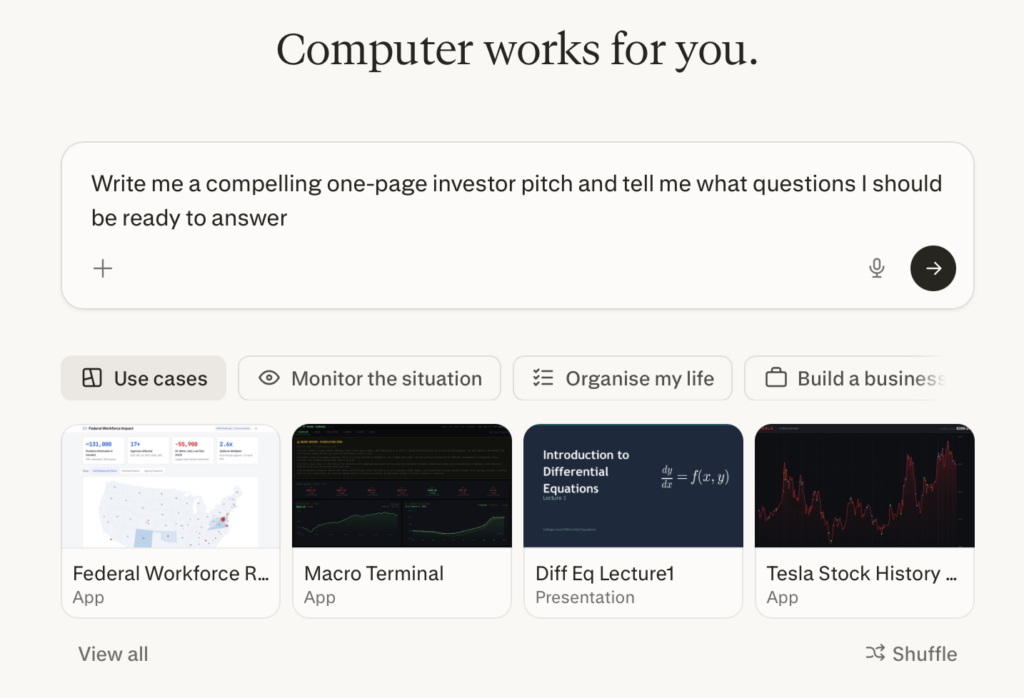
Honest take: Perplexity is what Google should have become. You ask a question, you get a direct answer with numbered citations to actual sources. For research-heavy assignments and literature reviews, it saves hours of clicking through Google results.
I used it extensively for a seminar paper. Instead of spending two hours finding relevant papers, I asked Perplexity “recent approaches to optimizing transformer attention mechanisms 2025-2026” and got a well-organized summary with links to the actual papers.
The catch: The free tier is limited, and sometimes the sources it cites are blog posts rather than academic papers. For serious academic work, you still need to go through Google Scholar or your university library. Perplexity is a starting point, not an endpoint.
Grade: 8/10 for research tasks
5. Wolfram Alpha — The Math Savior
What I use it for: Calculus, linear algebra, probability calculations, and verifying my work.
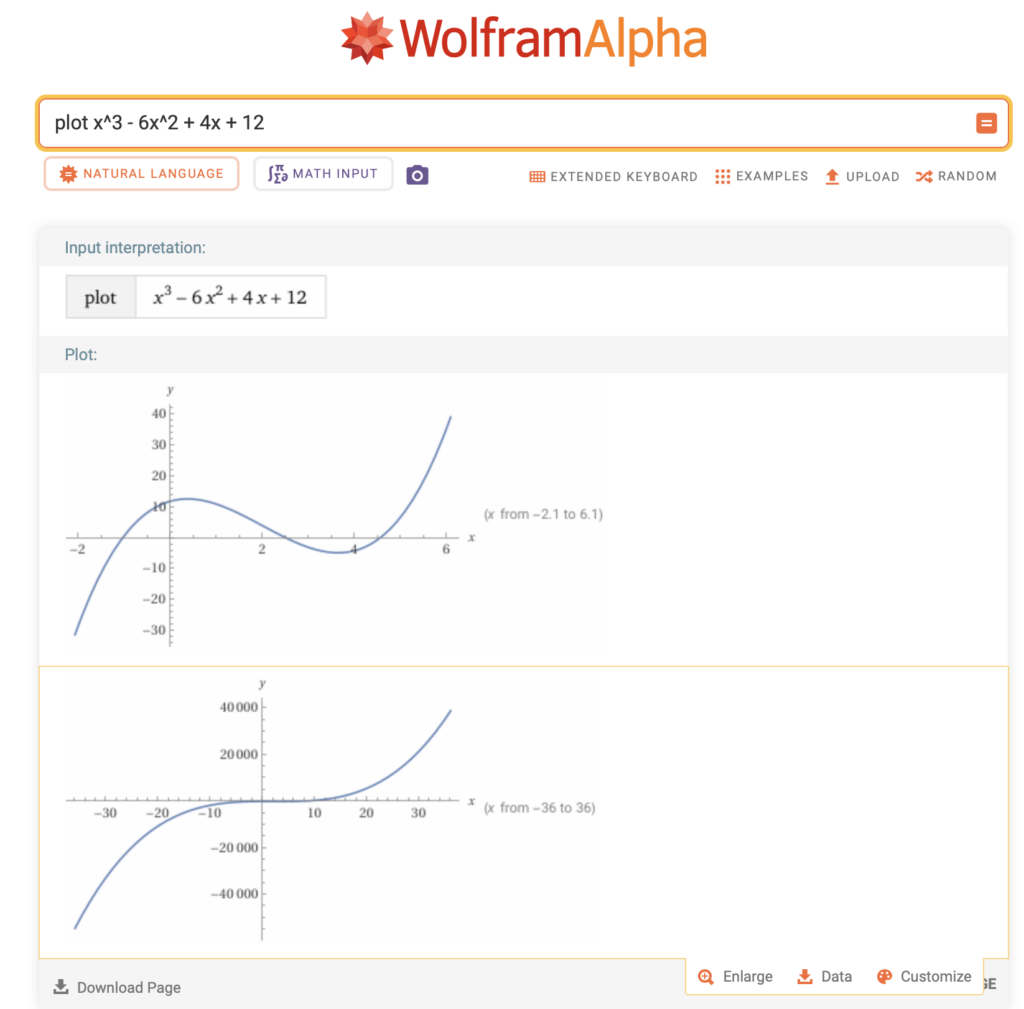
Honest take: This isn’t a new tool, but it’s still the best for math. When I’m doing probability homework and need to verify a complex integral, Wolfram Alpha shows the step-by-step solution. It’s not just giving you the answer — it’s showing you the method, which is exactly what you need for studying.
For my discrete math and probability courses, I use it almost daily. It handles everything from basic algebra to differential equations to matrix operations.
The catch: The step-by-step solutions require the Pro version ($5/month for students). The free version gives you the final answer but not the process. Worth the subscription if you’re taking math-heavy courses.
Grade: 9/10 for math-heavy courses
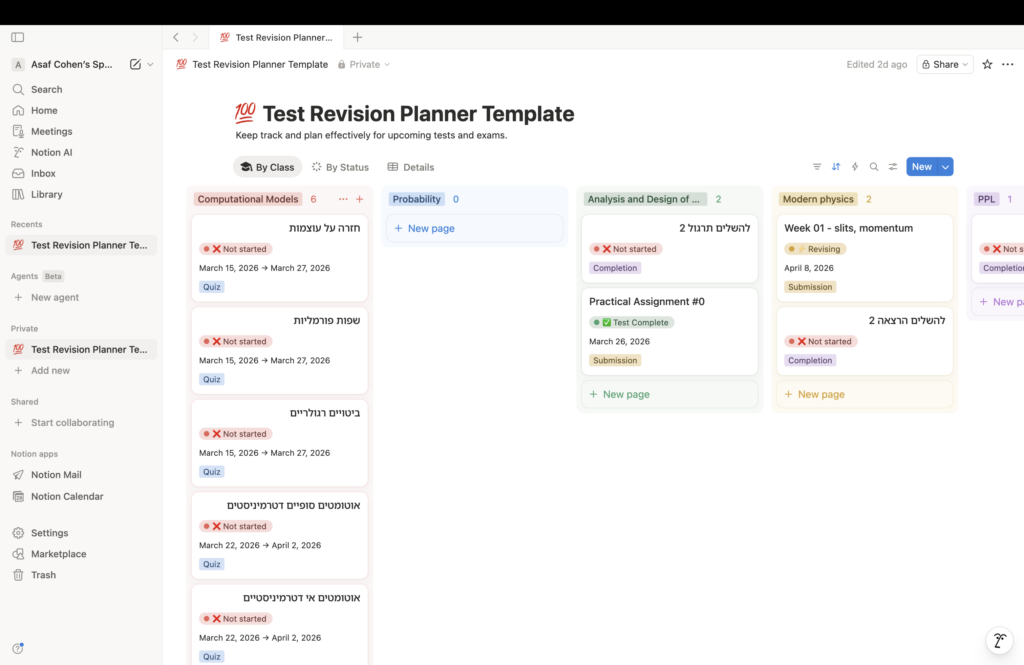
6. Notion AI — Overhyped for Students
What I use it for: I tried using it for organizing notes. I stopped.
Honest take: I know Notion has a cult following, and the AI features sound great on paper — summarize your notes, find connections, generate action items. But honestly? For a student on a budget, it doesn’t offer enough beyond what Claude or ChatGPT can do in a conversation.
If you’re already deep into the Notion ecosystem and have all your notes there, the AI add-on might be worth it. But I wouldn’t switch to Notion just for the AI features. I use Obsidian for notes (free, offline, markdown-based) and Claude for AI assistance. That combo is cheaper and more flexible.
Grade: 5/10 for students (unless you already use Notion)
7. QuillBot — Useful but Limited
What I use it for: Paraphrasing when I’m stuck on how to word something.
Honest take: QuillBot’s paraphrasing tool is helpful when you’ve written a sentence that sounds awkward and you can’t figure out why. You paste it in, get 3-4 alternative phrasings, and pick the best one. The grammar checker is decent too.
But that’s basically all it does. It’s a one-trick pony. And with Claude and ChatGPT available, I rarely need a dedicated paraphrasing tool anymore. I can just ask Claude “rephrase this paragraph to be clearer” and get better results with more context.
Grade: 6/10 — useful but replaceable
8. Mathpix Snip — Niche but Brilliant
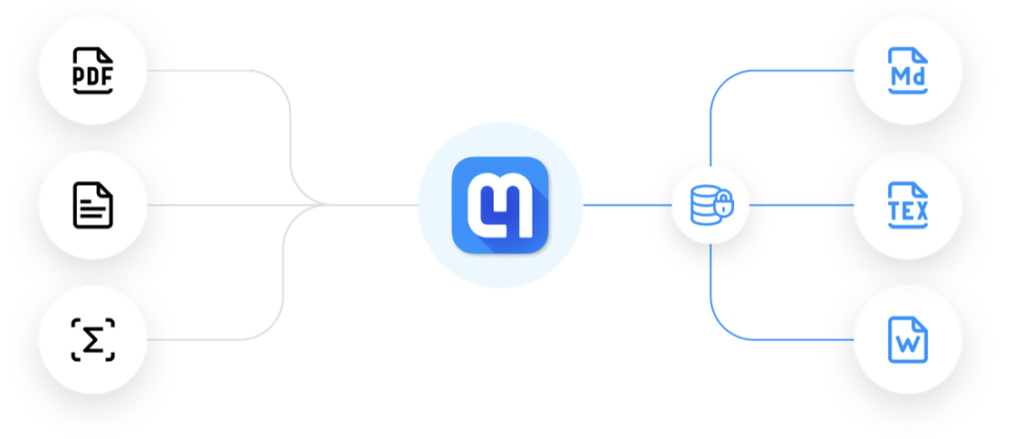
What I use it for: Converting handwritten math and lecture slides into LaTeX.
Honest take: This tool solves a very specific problem, and it solves it perfectly. You screenshot a handwritten equation or a formula from a PDF, and Mathpix converts it to LaTeX code instantly. For anyone who’s ever spent 20 minutes trying to figure out the LaTeX command for a piecewise function, this is a lifesaver.
I use it constantly when converting lecture notes into my Obsidian vault. Take a photo of the whiteboard, Mathpix converts it, paste into my notes. Done.
The catch: The free tier gives you a limited number of conversions per month. If you’re doing math-heavy coursework daily, you’ll hit the limit.
Grade: 8.5/10 for STEM students
9. ChatPDF — Good for Specific Tasks
What I use it for: Asking questions about long PDF documents (textbooks, papers).
Honest take: Upload a 50-page PDF, then ask questions about it in natural language. “What does chapter 3 say about memory management?” or “Summarize the author’s main argument.” It’s useful when you need to quickly extract information from a document you don’t have time to read cover to cover.
I used it a few times for reading assignments when I was behind schedule. It gave me enough context to participate in class discussion while I caught up on the actual reading later.
The catch: It sometimes misses nuances and oversimplifies complex arguments. It’s a shortcut, not a replacement for actually reading the material. Professors can tell when you have surface-level understanding.
Grade: 7/10 for handling reading-heavy courses
10. GitHub Copilot — Good but I Prefer Cursor
What I use it for: I used it before switching to Cursor.
Honest take: Copilot was my first AI coding assistant, and it’s genuinely good at autocomplete. It predicts what you’re about to type and often gets it right. For repetitive coding tasks (writing test cases, boilerplate code), it’s a real time saver.
But after trying Cursor, I can’t go back. Cursor’s ability to understand your whole project, have conversations about your code, and make multi-file changes is on another level. Copilot feels like smart autocomplete; Cursor feels like having a pair programmer.
Grade: 7/10 — good, but Cursor is better for students
My Actual Daily Workflow
Here’s what a typical study session looks like for me in 2026:
- Start: Open the assignment in one tab, Cursor in another
- Research: If I need to understand a concept, ask Claude or Perplexity
- Code: Write in Cursor with AI assistance, but make sure I understand every line
- Math: Verify calculations in Wolfram Alpha
- Notes: Capture key learnings in Obsidian, use Mathpix for equations
- Review: Ask Claude to review my solution before submitting
Total cost: about $20/month (Claude Pro). Everything else I use is either free or has a sufficient free tier.
The Honest Truth About AI in University
AI tools are not going to do your degree for you. Anyone who tells you otherwise is selling something. What they do is remove friction. They turn a 3-hour assignment into a 1.5-hour assignment — not by doing the work, but by eliminating the parts where you’re stuck Googling syntax, re-reading the same paragraph five times, or struggling with LaTeX formatting.
The students who use AI well are the ones who use it to understand more, not do less. If you use ChatGPT to generate an essay and submit it, you’ll pass the assignment but fail the exam. If you use it to understand why your approach is wrong and what a better one looks like, you’ll ace both.
My GPA has genuinely improved since I started using these tools intentionally. Not because the AI is doing my work — but because I’m spending less time on logistics and more time on actual learning.
The Bottom Line
If I could only keep three tools, they’d be:
- Claude — for understanding, writing, and deep thinking
- Cursor — for all coding work
- Wolfram Alpha — for math verification
Everything else is nice to have but not essential. Start with the free tiers, figure out what fits your workflow, and don’t pay for subscriptions until you’ve confirmed the tool actually saves you time.
And remember — the goal isn’t to outsource your education. It’s to make the learning process more efficient so you can go deeper on what actually matters.
Full disclosure: AI Tool Hub includes affiliate links for some of the tools mentioned above. If you sign up through these links, I earn a small commission at no extra cost to you. This helps me keep the site running. But my opinions are 100% my own — I only recommend tools I actually use.